Introduction
Have you ever developed a website that looks flawless on your local environment, only to have it break or behave strangely when you push it to production? This issue is surprisingly common among web developers and can be frustrating, especially when everything appears to be working perfectly during testing. Understanding the reasons behind this discrepancy is essential to ensuring smooth deployment and minimizing downtime or user experience issues.
In this article, we'll dive into the various causes that lead to websites performing well locally but breaking in production. We'll explore common configuration issues, differences between development and production environments, and provide practical solutions on how to fix these problems. Whether you're a seasoned developer or just starting out, this guide will offer valuable insights into maintaining website consistency across all environments.
1. What Causes Websites to Work Locally but Break in Production?
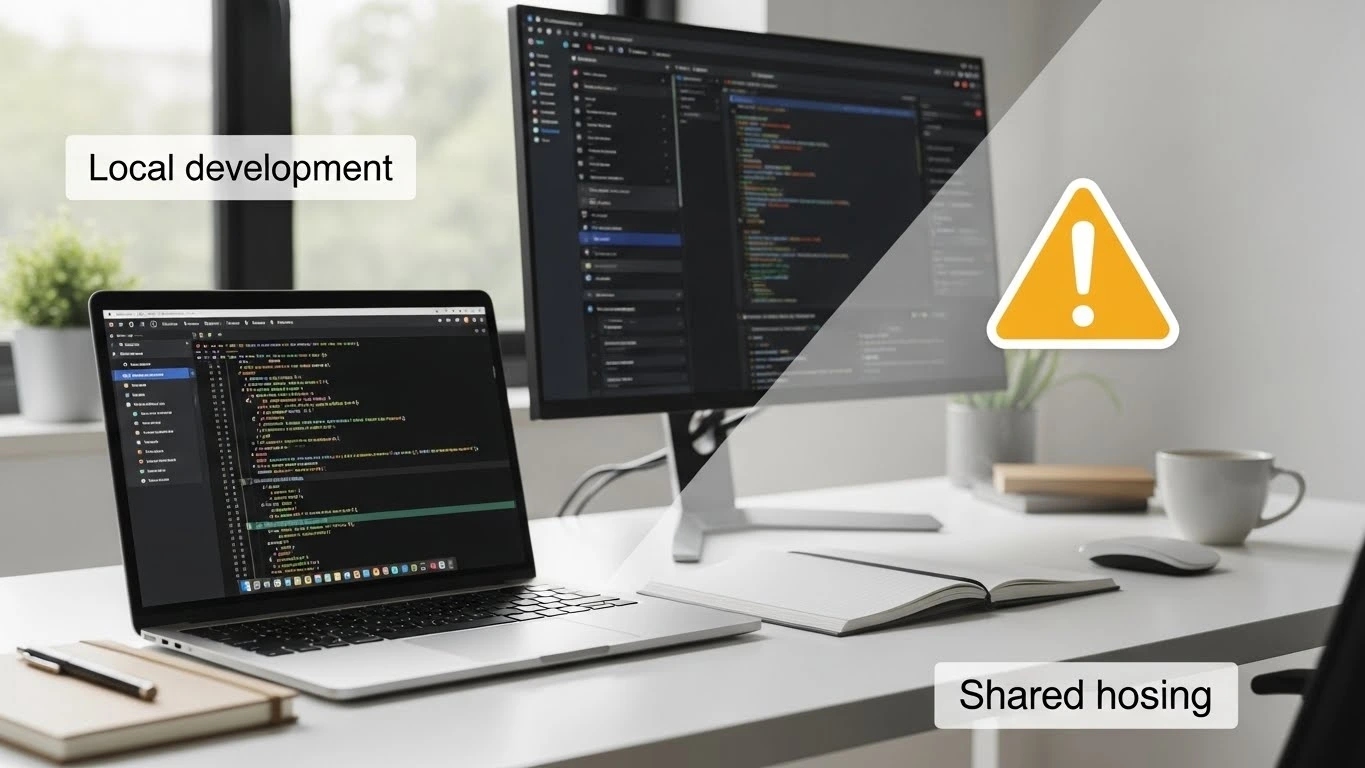
When a website works perfectly in a local environment but breaks after deployment, it's often due to subtle differences between the development and production environments. These differences can range from file path issues to caching problems and dependency mismatches. Let’s break this down.
Differences Between Local and Production Environments
Local environments typically offer more flexibility and fewer restrictions compared to production. On a local machine, developers can control every aspect of the setup, while production servers are often optimized for performance, security, and scalability. These optimizations, however, can create issues if the application wasn’t configured to handle them.
How to Fix
Ensure that both your local and production environments are as similar as possible. Tools like Docker can help you mirror environments exactly, making the transition from local to production smoother. Additionally, ensure that you have environment-specific configuration files to avoid conflicts during deployment.
Configuration Inconsistencies
A mismatch between configuration files in the local and production environments is a common cause of problems. For example, your local environment might be running a development version of a framework or a specific library, but the production environment could be using a different version or might not have the necessary configuration for the web application to work properly.
How to Fix
Keep all configuration files under version control and make sure they're properly updated during deployment. Use environment variables to set production-specific configurations and ensure that the settings align with the live server’s requirements.
Ensuring a seamless transition from local to production is crucial for maintaining website functionality and user experience. For a full overview of our services, visit our Apps Global.
2. Common Reasons for Local vs. Production Website Issues
1. File Path Differences
In local environments, developers use relative paths that work seamlessly on their own machines. However, when deployed to production, file paths may change due to the server's directory structure, leading to broken links or missing files. Additionally, some local environments may be case-insensitive, while production environments are often case-sensitive, leading to errors.
How to Fix
Use absolute paths or dynamic path management that adapts to both environments. Always ensure that paths are consistent across development and production environments. When using relative paths, confirm that the directory structure is the same, and account for case sensitivity.
2. Database Configuration Issues
While working locally, developers often use simplified or local databases for testing. Once in production, the database could be on a remote server with different configurations or access restrictions. Issues like incorrect credentials or missing database tables can cause the website to break.
How to Fix
Double-check database connection credentials and ensure that your production database is set up exactly as needed. Use deployment scripts to automatically set up the correct production database schema, and verify that all tables and data are in place before deploying.
3. Caching Problems
Local development environments often bypass caching mechanisms to speed up development, while production servers rely heavily on caching to improve performance. Inconsistent caching strategies can result in outdated or missing resources, especially if the production cache isn’t cleared after deployment.
How to Fix
Implement cache busting techniques in your build process to ensure that outdated files are replaced. Consider using cache-control headers to manage how assets are cached, and make sure to clear or refresh caches after each deployment.
4. Missing Dependencies or Incorrect Versions
Local environments usually have dependencies installed globally, but in production, these dependencies might not be properly installed or configured. If the production environment uses different versions of the software or libraries, compatibility issues can arise.
How to Fix
Use dependency management tools such as npm, pip, or Composer to ensure that all dependencies are locked to specific versions. Create a package-lock.json or composer.lock file to ensure that the same versions of dependencies are used across both environments.
5. Different Web Servers
Local development often uses simple web servers, like localhost, which have different configurations than production servers. The web server's settings, such as handling redirects or security rules, may differ, leading to inconsistent behavior in production.
How to Fix
Ensure that your local and production environments use the same web server (e.g., Apache, Nginx) with identical configurations. Pay attention to security settings, redirect rules, and server-side caching to ensure consistency between environments.
3. How to Avoid These Issues in the Future
1. Version Control for Configurations
Ensure that all configuration files, including environment-specific settings, are version-controlled. Using .env files or separate configuration directories for development and production environments can help prevent configuration mismatches.
How to Fix
Adopt version control tools like Git to manage all your configuration files. Use .gitignore to exclude sensitive information from your repositories, and store production-specific configurations in a secure, centralized location.
2. Automate Deployment
Automating deployment with tools like Jenkins, GitHub Actions, or CircleCI ensures that the deployment process is consistent and repeatable. Automated deployment reduces the chances of human error and makes it easier to identify where something goes wrong during production deployment.
How to Fix
Set up a Continuous Integration (CI) pipeline for your project. Ensure that each deployment is automated and tested at every step, from code check-in to deployment on the production server.
3. Consistent Development Tools
Use the same versions of tools, libraries, and dependencies in both development and production environments. Containerization technologies like Docker can help ensure that both environments are identical, eliminating discrepancies.
How to Fix
Containerize your application using Docker to ensure that the local and production environments are as identical as possible. This way, every team member works with the same configuration, and deployment becomes more predictable.
4. Error Logging and Monitoring
Implement detailed error logging and monitoring systems in production to catch and debug issues quickly. Tools like Sentry, LogRocket, or New Relic can help identify problems before they affect the end-user experience.
How to Fix
Set up centralized logging and monitoring solutions such as ELK Stack, Sentry, or Prometheus to collect error data and performance metrics. Ensure these tools are integrated into your production environment to provide real-time insights into any issues that arise.
5. Test in Production-Like Environments
Before deploying to production, test the website in an environment that mirrors production as closely as possible. This can be a staging server or a testing server that mimics the production environment's configurations, dependencies, and file structure.
How to Fix
Set up a staging environment that mirrors your production server as closely as possible. Test in this environment before pushing to production to catch potential issues early in the process.
To ensure a smooth experience between development and production, implementing AI-based automation tools can help with configuration and error tracking. Explore our AI/ML Solutions for more details on how automation can reduce deployment issues.
4. Troubleshooting Steps When Your Website Breaks in Production
1. Check Error Logs
Start by checking the error logs in your production environment. They can often provide valuable information about what went wrong. Server logs, database logs, and application logs are all crucial to identifying the root cause of the issue.
How to Fix
Always ensure that logging is enabled in both your local and production environments. Review error logs for any discrepancies between environments and address them accordingly.
2. Review File Paths
Check that all file paths are correct, especially for images, CSS, JavaScript, and other assets. Ensure that the paths are relative and account for the case sensitivity differences between local and production environments.
How to Fix
Verify that your file paths are absolute or correctly defined in relation to your directory structure. Adjust the paths to be consistent across both environments, considering the case sensitivity of file systems.
3. Validate Database Configuration
Verify the database credentials, connection strings, and configurations. Make sure that the production database is properly set up and accessible, and that all required tables and data are in place.
How to Fix
Double-check the database connection string and credentials for accuracy. Ensure the production database is running and that the schema matches your local development setup.
4. Clear Cache
Clear both browser and server-side caches. Stale caches can cause outdated versions of your website to appear, making it seem like the website is breaking for no reason.
How to Fix
Clear the application cache, browser cache, and any CDN caches that may be storing outdated content. This will ensure that the most recent version of your website is served to users.
5. Check Dependencies
Make sure all dependencies are properly installed and updated in the production environment. Use a package manager like npm, pip, or Composer to ensure that all required dependencies are installed.
How to Fix
Run dependency management tools like npm install, composer install, or pip install to ensure that all production dependencies are up to date.
Conclusion
Understanding why your website works perfectly locally but breaks in production is crucial to ensuring a seamless user experience. By addressing common issues like file path discrepancies, database misconfigurations, and caching problems, developers can create websites that perform reliably across all environments. Proper setup, automated deployment, and consistent testing can help you avoid these issues and achieve smoother, more efficient production deployments.
Taking these steps will not only improve your website’s functionality but also enhance its performance, security, and overall user experience.